How Nokk works in your shop
Three parts on one phone. Here they are one at a time, in the order you'd use them.
Nokk Stock
A stock count app you use at the shelf
No notepad, no spreadsheet at 2 a.m. You stand in front of the shelf and count.
The first time
Set up your spots
Bar, storeroom, fridge, cellar. However your place is laid out, that's how you split it on the phone.
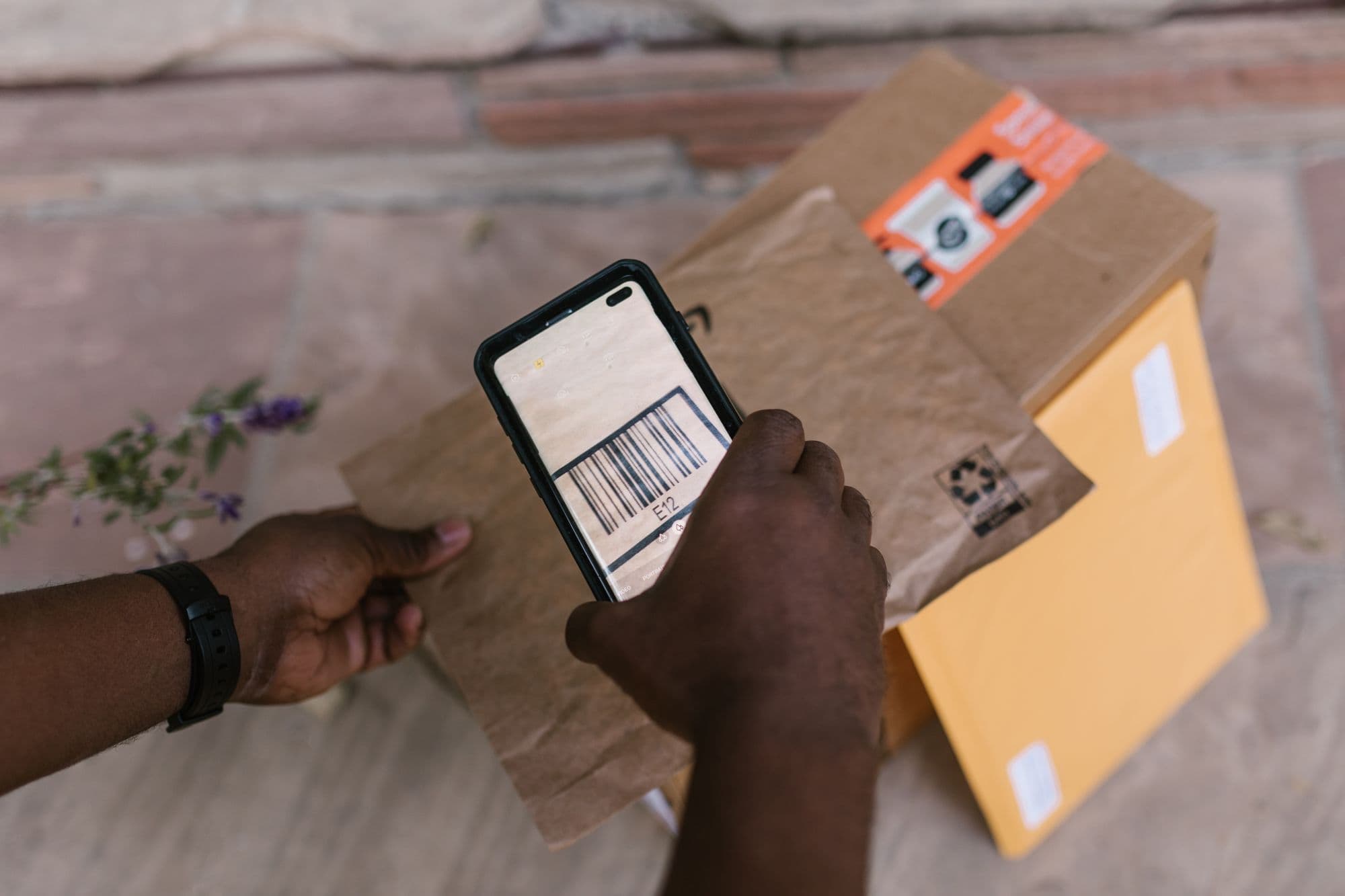
Scan the barcodes
Most products fill themselves in. Anything it doesn't know, you type in once and it stays.
Count the way you already do
In crates and bottles, with plus and minus. Or take a photo of the shelf: it suggests numbers, and nothing goes in until you tap OK.
Then, every week
Set a minimum and a target
For each product: how low it shouldn't go, and how much you like to have.
See what's running low
A list of whatever dropped too low, with “Order +N” next to it. After about two weeks it also tells you “lasts until Friday”. Before that, it says it doesn't know yet.
Build the order
You get a draft. Change it, copy it, send it to your supplier. It never orders anything by itself.
Photograph the delivery note
The lines are matched to your products and go into stock once you confirm. Anything it isn't sure about, it leaves to you.
Sales, waste, or moving stock from the storeroom to the bar you can also enter by hand, any time.
More on Nokk StockNokk Now
Something runs out mid-shift
You ask once and every business around you hears it. Asking is never charged.
0 min
Say what you need
What, how much, how urgent. It goes to businesses near you, and whoever has it sends an offer: how many, the price, how many minutes.
10 min
Nobody yet? It reaches further
If no one answers, the circle widens on its own. You don't do a thing.
25 min
It widens again
And businesses whose stock in Nokk Stock shows they have it get a nudge. Nobody sees their numbers.
2 taps
Pick one offer
Only then do they see your address. You talk in the chat. You pick it up, or they bring it.
Afterwards
Rate each other
Both ways. And if nobody answers, the request expires and nothing is charged.
Nokk Swap
Ordered too much? Pass it to a shop down the road
Something close to its date, stock that isn't moving, whatever's left at the end of the season.
Post it
Photos, quantity and a price. Or give it away, and then it's 0%.
Shops nearby see it
Anyone can browse the listings. Who's selling only shows once you've signed up.
They make an offer, you agree
You settle it, talk in the chat, and sort out when and where.
Confirm the handover
You both tap that it happened. If something wasn't as described, there's a return.
How you get started
Sign up
On a computer at nokk.gr. The iPhone and Android apps are coming soon.
We check you're a business
With your Greek tax number (ΑΦΜ), before the account opens. So you know you're dealing with a shop, not a stranger.
We set it up with you
We give you a call and set it up together. While the pilot runs, everything is 0%.
Join the pilot
What it doesn't do
Better you hear it now than on the first call.
It doesn't connect to your till or POS
Nor to your accounting or myDATA. It works next to whatever you have and doesn't touch it.
It doesn't order by itself
It builds you a draft. You send it, when you want, to whoever you want.
It doesn't show your numbers
Nobody sees what's in your storeroom. Not the shops next door, not the ones asking.
The apps are coming soon
For iPhone and Android. Until then, nokk.gr on a computer.
Questions
What if the shelf photo gets a number wrong?
Nothing goes in by itself. The photo suggests, you correct it or tap OK.
How far does a request reach?
It starts with businesses near you. If nobody answers within 10 minutes it reaches further, and a bit further again at 25 minutes.
Do I have to use all three parts?
No. Switch on the one you need. Nokk Stock works on its own, even if nobody else nearby is on Nokk yet.
Does the delivery note go to the tax office?
No. You photograph it so the goods go into your stock. Nokk doesn't send anything to AADE or myDATA.
Want to see it in your own place?
We give you a call and set it up together. While the pilot runs, it's 0% on everything.